Getting Started
WDIScan brings document scanning directly to your Jira issues! From the issue view, scan documents and images, create PDFs, and send files without leaving Jira. Use your phone or tablet for quick scans, or connect a standard USB or network scanner for high-quality scanning.
Connects to a phone or tablet (no app required)
Scan documents and images using the device camera
Built-in perspective correction, image enhancements, and paper size detection
Create custom PDFs
Great for quick scans, receipts, photos, and documents
Send any file from the phone or tablet directly to Jira
Connects to standard USB and network scanners (some requirements apply)
Works with flatbed and ADF (automatic document feeder) scanners
Scan documents and images
Create custom PDFs
Great for high-quality and multi-page document scanning
Getting WDIScan
Ask your Jira administrator to install WDIScan from the Atlassian Marketplace.


Free trial. Free for up to 10 users!
Accessing WDIScan
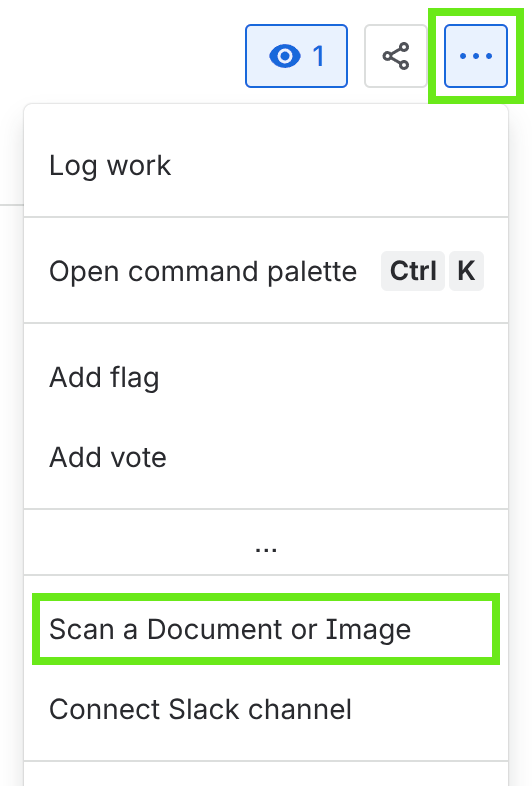
After installing WDIScan on Jira, a new item will be available on the issue view actions menu, "Scan a Document or Image":
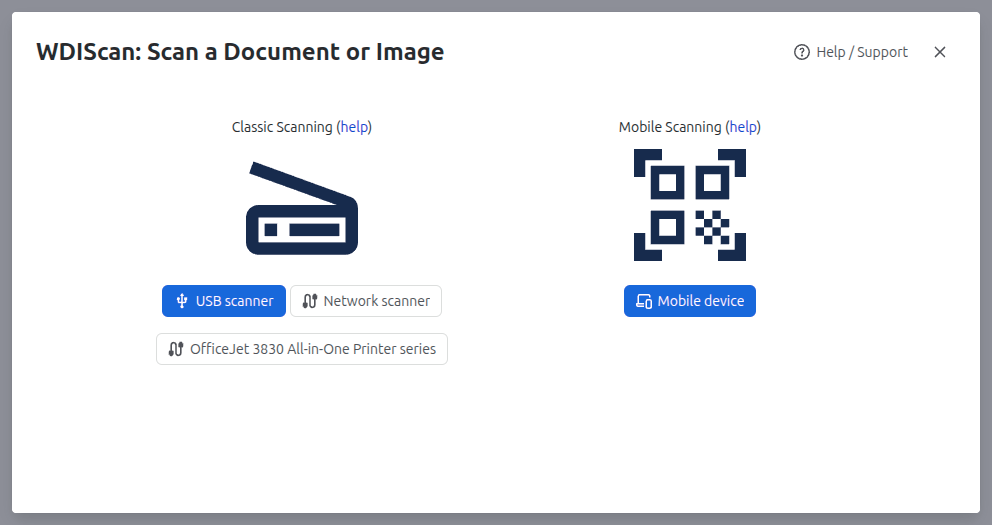
Clicking it will open the WDIScan scanning dialog:
On the left side, Classic Scanning (USB and network scanners).
On the right side, Mobile Scanning.